Android nightstand clock: a bedside setup that works
Your phone already spends the night next to your bed. With the right setup it becomes a clock you can read with one eye open, that doesn't light up the room, and that you never have to open.
What a good bedside clock needs
Most 'nightstand clock' apps are a big digital clock you have to launch every evening, which stays on until you close it. That's why people stop using them after a week. A bedside clock is only worth it if it is:
- Automatic. You put the phone down at night and the clock is there. No app to open, no button to press.
- Dark. Bright white digits at 2am wake you up more than they help. Red, dim digits are easy on eyes adjusted to the dark.
- Readable from the pillow. Large digits, nothing else competing for attention.
- Out of the way in the morning. Pick the phone up and it's a phone again.
- Kind to the screen. Showing the same digits for eight hours a night is a classic way to get OLED burn-in.
How Duo Standby handles the night
Duo Standby watches motion, orientation, proximity, light and charging together to tell when the phone has been set down and left alone. Then the clock starts by itself over the lock screen, usually within about two seconds, and steps aside the moment you pick the phone up.
- Red night mode at low brightness for a dark bedroom.
- Sleep mood light that fades out on a timer, so you can fall asleep to a soft glow.
- Stop alarms and timers straight from the clock, without unlocking.
- Burn-in protection that shifts pixels gently through the night.
- Works on any Android phone, in landscape or portrait.
Set your Android down. The clock turns on by itself.
Try Duo Standby free for 3 daysSet it up in five steps
- Install Duo Standby from Google Play and open it once.
- Turn on 'only while charging' so the clock is tied to your nightly charge.
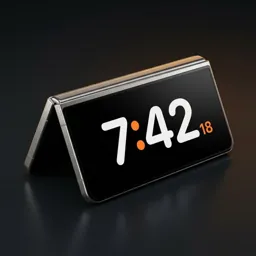
- Switch on landscape or portrait (on a Galaxy Z Fold, also tent).
- Pick a calm, dark clock face and switch on the red night mode.
- Put the phone on its stand or charger by the bed. The clock appears within about two seconds and hides when you pick the phone up.
Choosing a face for the bedroom
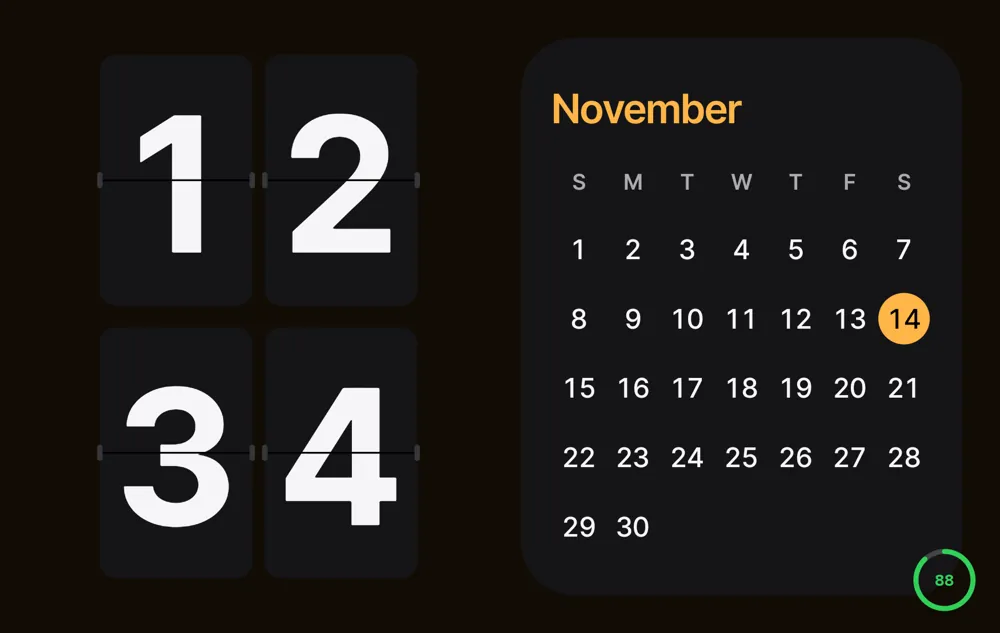
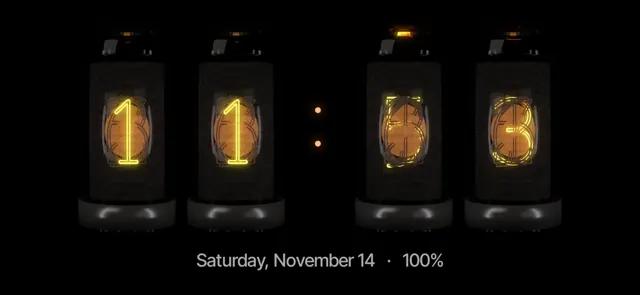
At night, less is more. Faces with big digits on a black background read best from the pillow and give off the least light. Nixie tubes look like a warm glowing object on the nightstand; a simple glance face is the most minimal. Hold the clock to change the face.
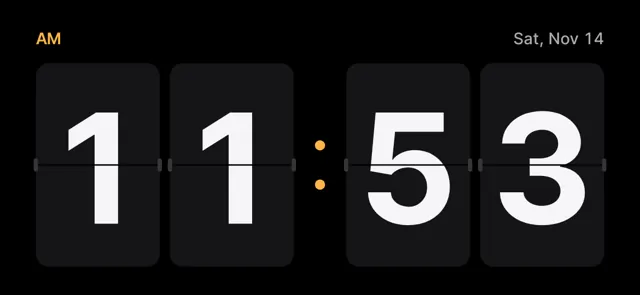
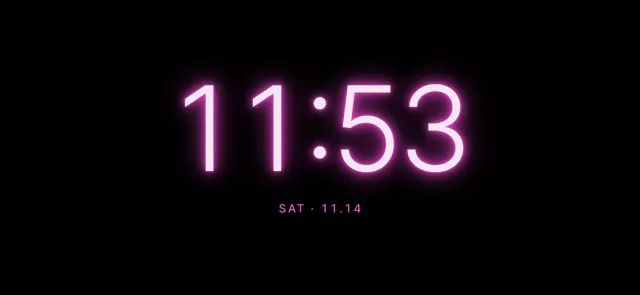
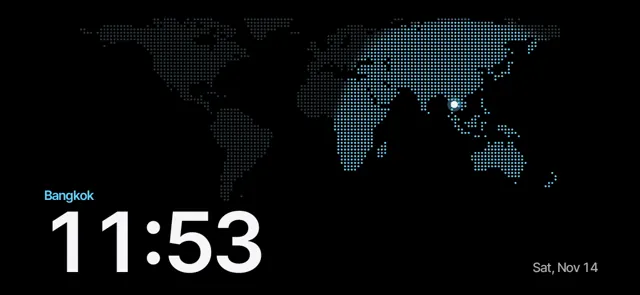
Keep the layout to the clock only for the night. Half or four-block layouts with calendar, today's events or music are better on a desk during the day.
Set your Android down. The clock turns on by itself.
Try Duo Standby free for 3 daysStand, angle and placement
- Tilt it back a little. A charging stand that leans the phone back makes the digits easier to read lying down, and the phone sees it clearly as 'set down'.
- Landscape or portrait? Landscape gives bigger digits on most phones; portrait fits narrow nightstands and wireless chargers that hold the phone upright.
- Face it away from your eyes. Angle the screen toward the bed, not straight at your face, so you see it when you look and not when you don't.
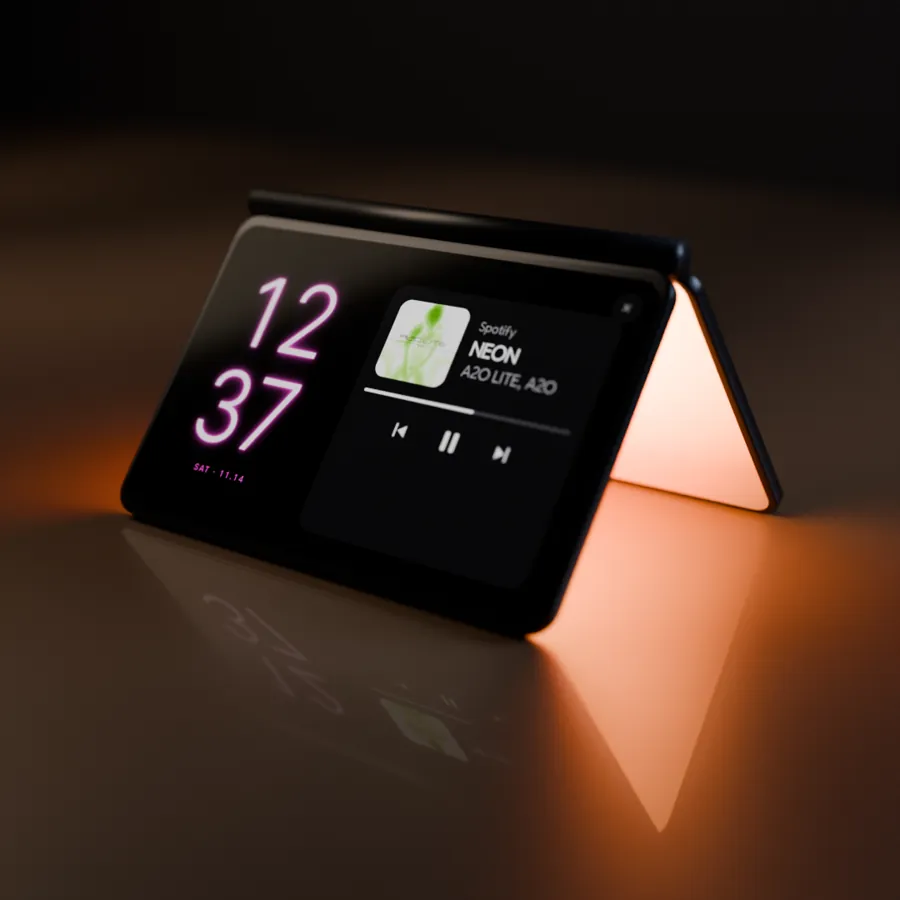
- On a Galaxy Z Fold, stand it in tent posture: the cover screen shows the clock, and the inner screen faces the table and lights it softly like a bedside lamp.
A simple night routine
- Plug the phone in and set it on the stand. The clock appears.
- If you like a little light to fall asleep to, start the sleep mood light with a fade-out timer.
- In the morning, stop the alarm from the clock screen.
- Pick the phone up. The clock is gone and the phone is as you left it.
FAQ
Can I use my Android phone as a bedside clock?
Yes. Any Android phone can show a full-screen clock while it charges by the bed. With Duo Standby it starts by itself when you set the phone down and hides when you pick it up.
Will a clock on all night burn in my screen?
Leaving the same image on an OLED screen for hours can cause burn-in. Duo Standby shifts pixels gently, and a dim red night mode lowers the risk further.
Does it drain the battery?
The screen stays on while the clock shows. On a nightstand the phone is usually charging, and you can set the clock to start only while charging.
Can I stop my morning alarm from the clock?
Yes. Alarms and timers can be stopped right from the clock screen.
Can it show the weather?
Add a weather widget from your home screen as one of the clock's blocks.
Do I need a foldable phone?
No. Regular Android phones work in landscape and portrait. A Galaxy Z Fold adds tent posture, where the inner screen works as a mood light.
Set your Android down. The clock turns on by itself.
Try Duo Standby free for 3 days