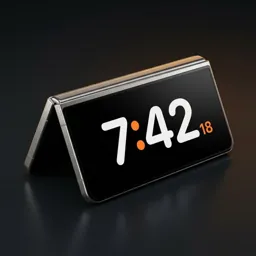
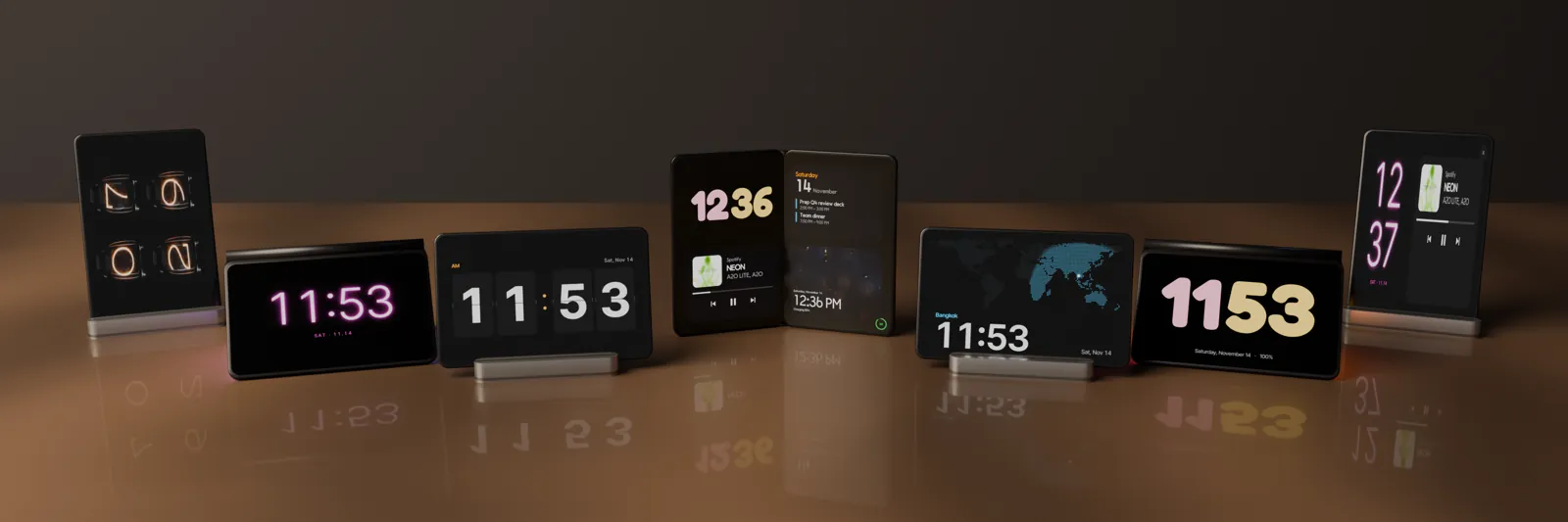
Set your phone down. The clock turns on.
StandBy for Android. No app to open — Duo Standby notices you've set the phone down and shows a clock by itself. Even more on a Galaxy Z Fold: tent mood light, book and laptop layouts.
66 clock faces
Nixie tubes, split-flap, neon, a live world map and more — each with its own colors and fonts.
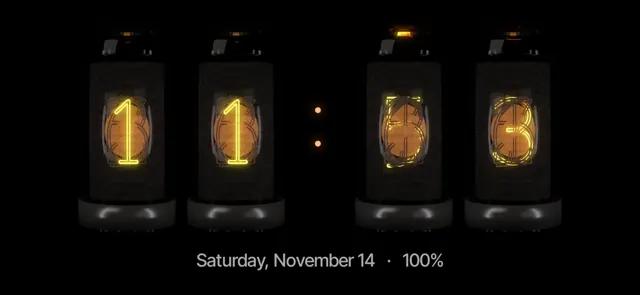
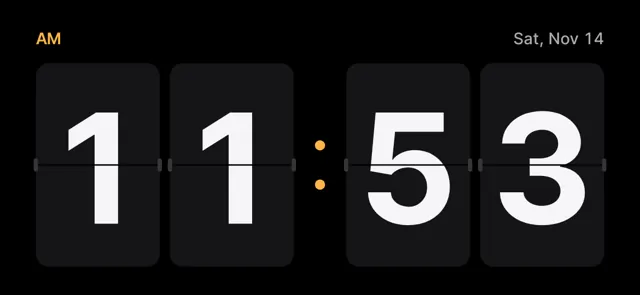
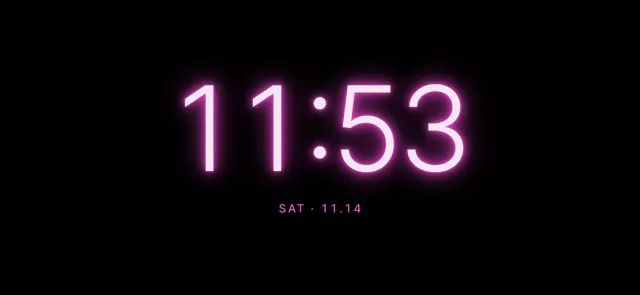
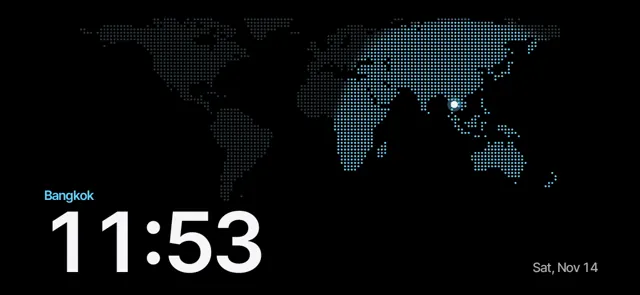
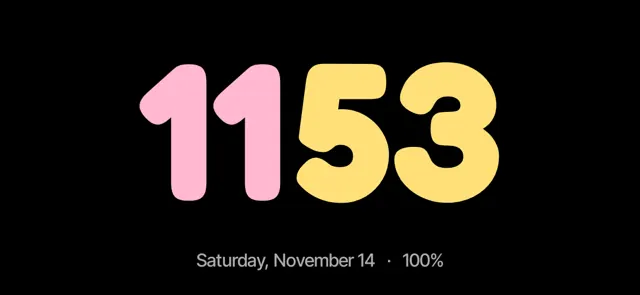
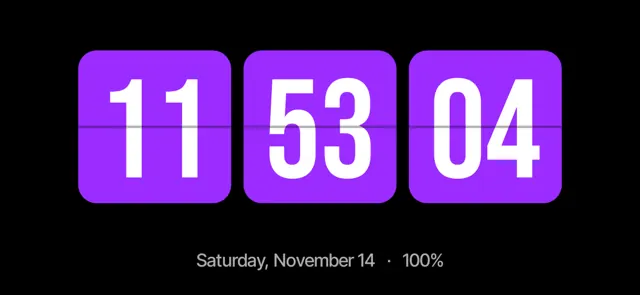
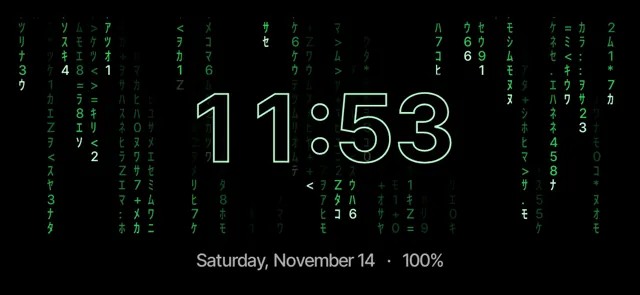
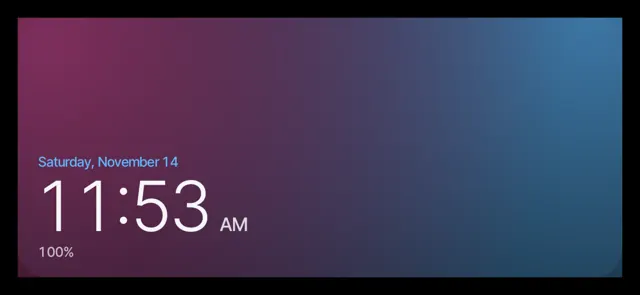
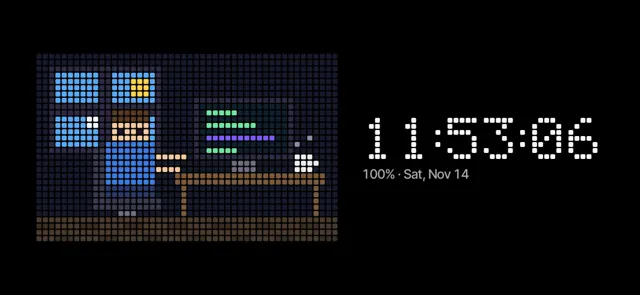
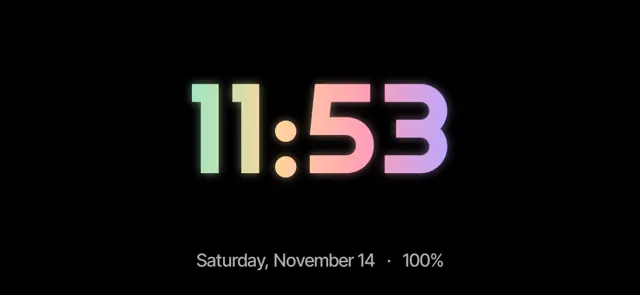
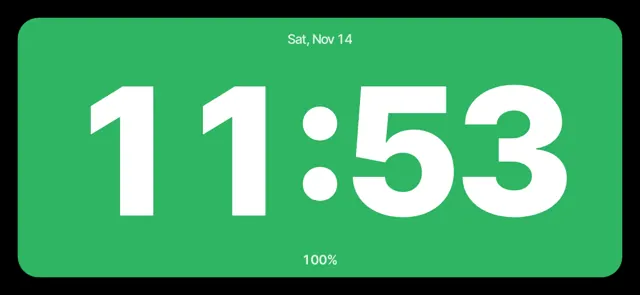
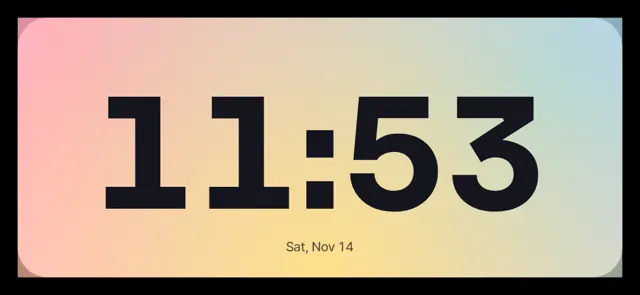
Set your Android down. The clock turns on by itself.
Try Duo Standby free for 3 daysMade for every posture
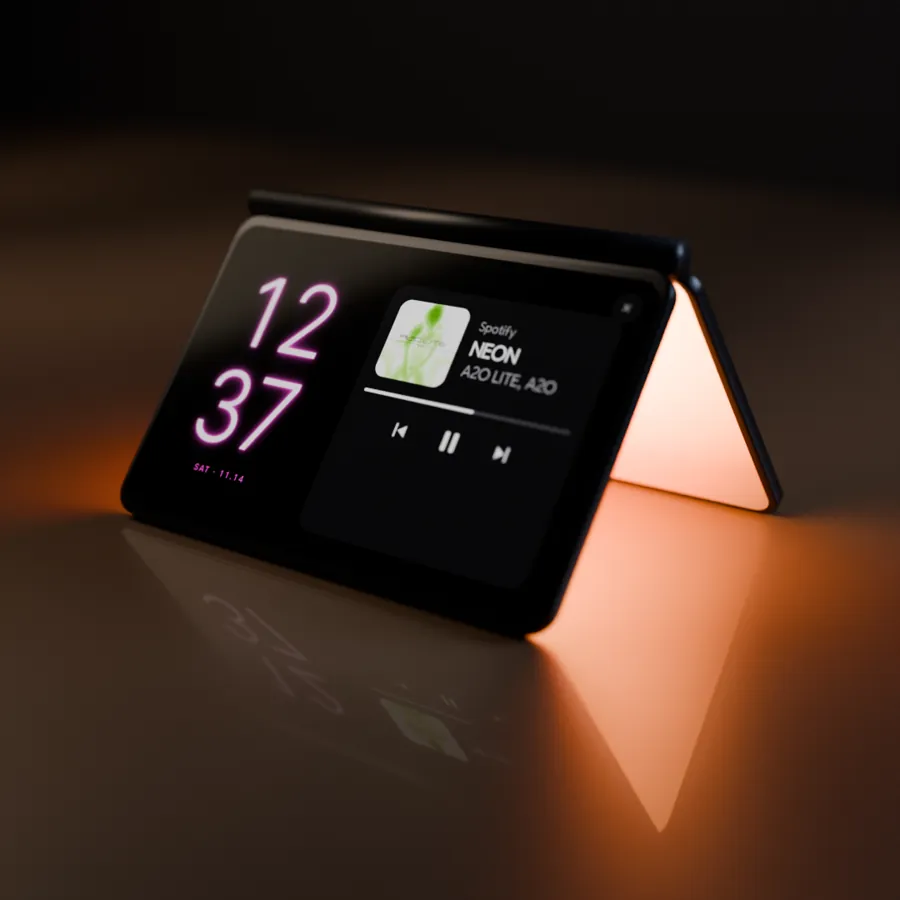
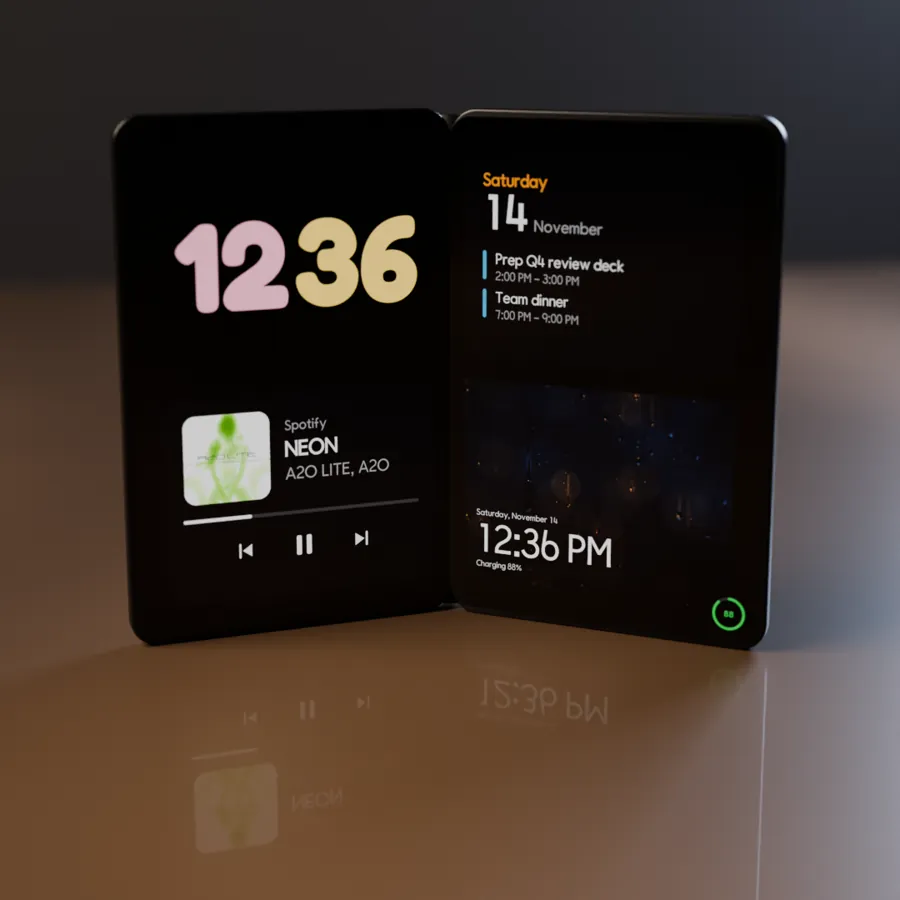
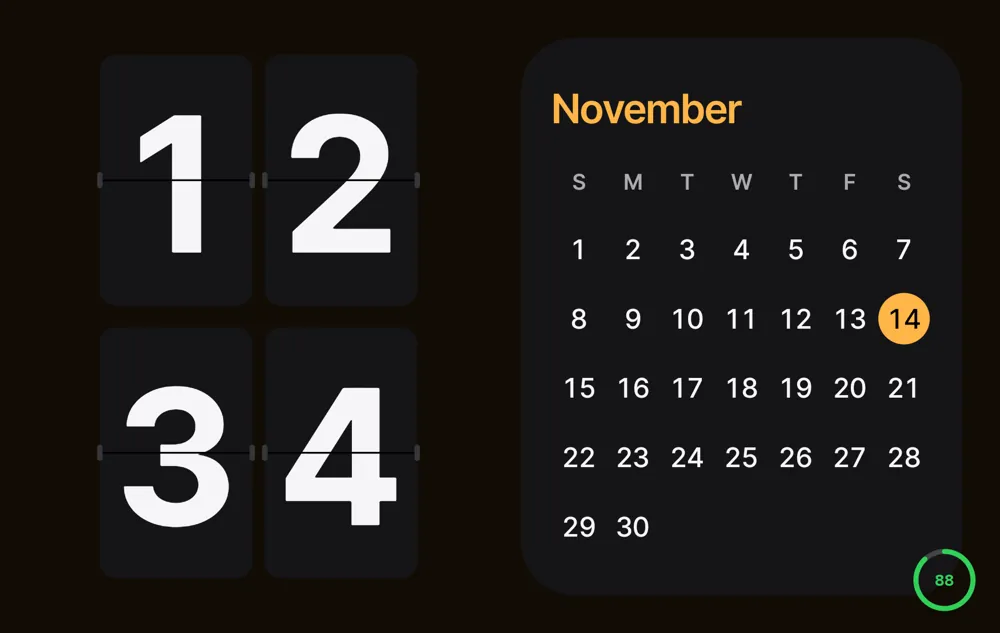
Blocks you can mix
- Clock only, half and half, or four blocks
- Month calendar, today's events, music player, home-screen widgets, photo frame
- Night mode in red, sleep-mode mood light with a timer, alarm stop and snooze from the clock
Set your Android down. The clock turns on by itself.
Try Duo Standby free for 3 daysGuides
How to get StandBy mode on AndroidTurn any Android phone into a StandBy-style clock when you set it down.StandBy mode on Galaxy Z Fold: tent, book and laptopUse your Fold's postures as a desk clock, mood light and calendar.iPhone Duo's StandBy, on AndroidThe folding iPhone's half-fold clock — how to get the same on Android.Turn an old Android phone into a desk clockGive a spare phone a second life on your desk or nightstand.Nixie and flip clock app for AndroidGlowing tube and split-flap clocks on your phone, no extra hardware.StandBy mode on Samsung Galaxy phonesGalaxy S, A and Z Fold don't have StandBy built in. Here's how to get it.Android nightstand clock: a bedside setup that worksTurn your phone into a bedside clock that's readable at night and doesn't light up the room.Samsung Always On Display in landscape: where it wentThe landscape AOD option is missing on newer Galaxy phones. Here are the options that still work.