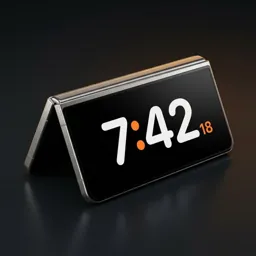
How to get StandBy mode on Android
iPhone's StandBy turns a charging phone on its side into a clock. Android doesn't have it built in, but you can get the same thing — and on some phones, more.
What StandBy mode actually is
StandBy is a full-screen clock that appears when your phone is resting on its side, usually while charging. It's meant to be read from across a desk or nightstand: big digits, a dark background, and a few useful extras like the date, your next event or what's playing.
The important part is that you don't open it. The phone notices it has been set down and shows the clock on its own. Most Android 'clock' apps miss this: you have to launch them, and they stay on until you close them.
How Duo Standby does it
Duo Standby reads several sensors together — motion, orientation, the hinge on foldables, proximity, light and power — to tell when the phone has just been set down and is no longer in a hand or a pocket. Then it starts like a built-in feature, right over the lock screen.
- Starts by itself in landscape or portrait, on a charger or just propped up
- Goes away as soon as you pick the phone up
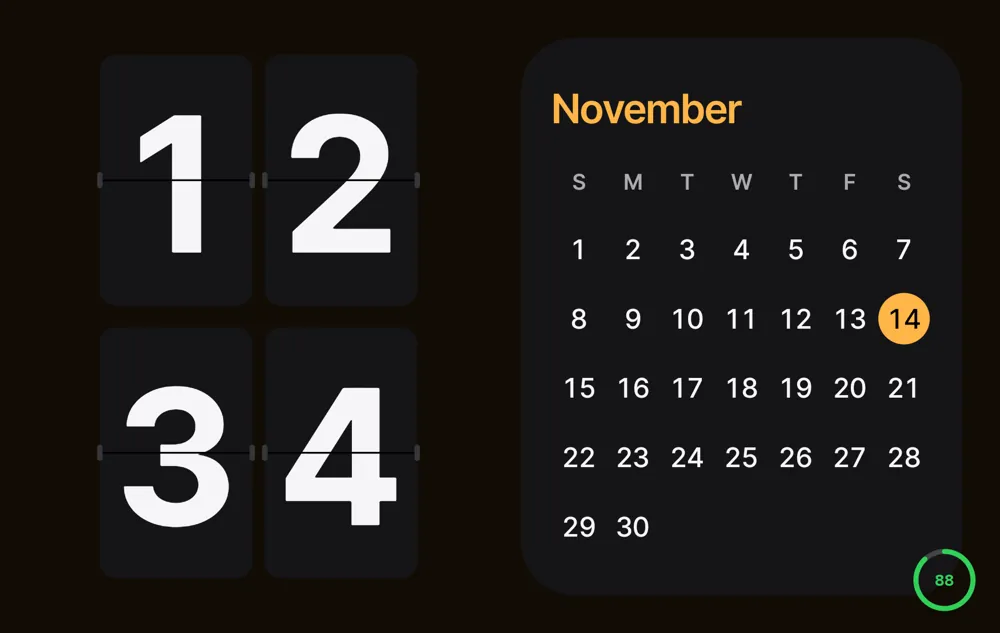
- Clock only, half and half, or four blocks: clock, calendar, today's events, music, widgets, photos
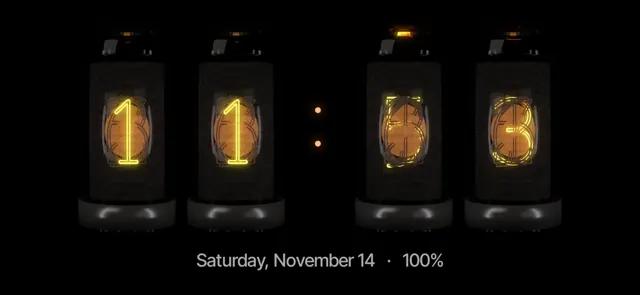
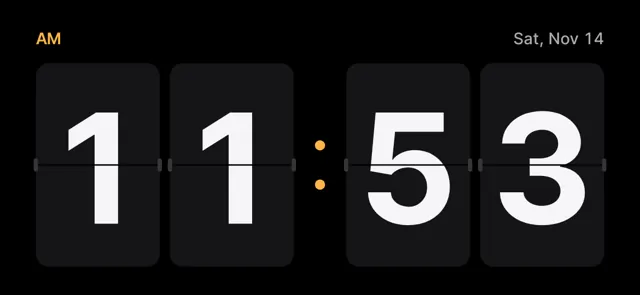
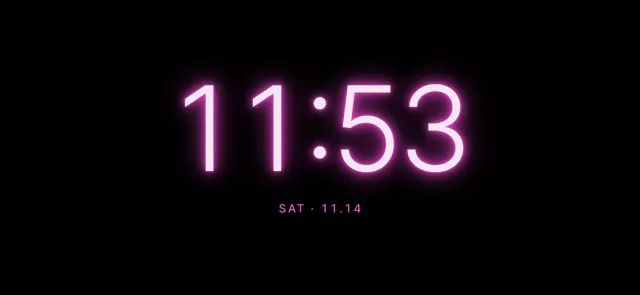
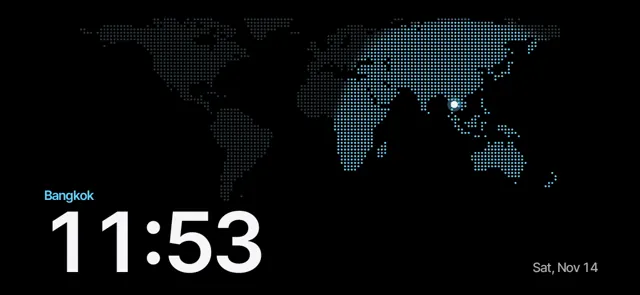
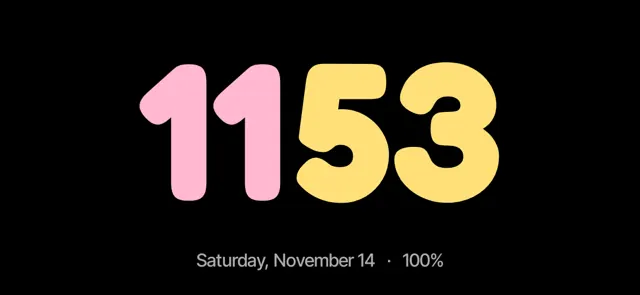
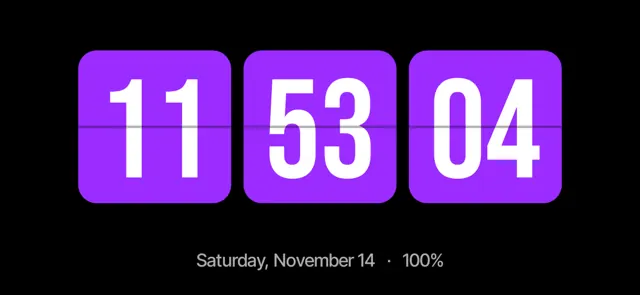
- 66 clock faces, including nixie, flip, neon and a world map
- Night mode in red at the lowest brightness, plus gentle pixel shifting against burn-in
Set your Android down. The clock turns on by itself.
Try Duo Standby free for 3 daysSet it up in five steps
- Install Duo Standby from Google Play.
- Open the app once and allow the permissions it asks for (display over other apps and notification access are optional extras).
- Choose which postures should start the clock: landscape, portrait, and on a Fold also tent, book and tabletop.
- Decide whether it should start only while charging or any time the phone is propped up.
- Put the phone down on a stand or charger. The clock appears within about two seconds, and steps aside when you pick the phone up.
Pick a clock face
The face is where most people spend their time. A few favourites:
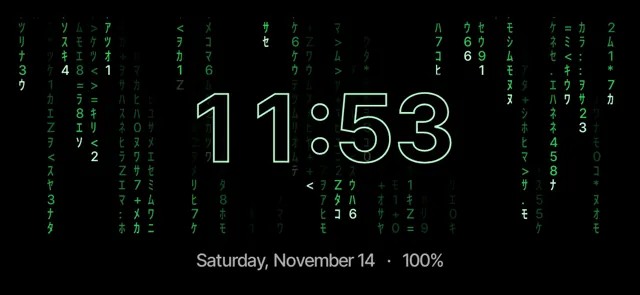
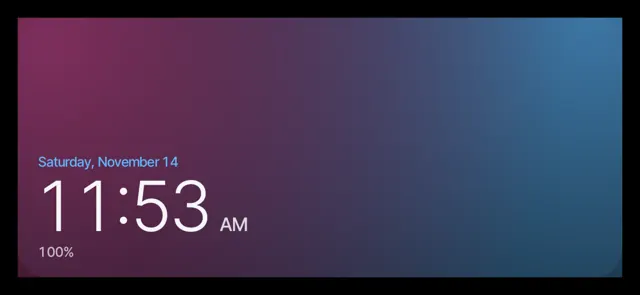
Set your Android down. The clock turns on by itself.
Try Duo Standby free for 3 daysTips for a good StandBy setup
- Use a stand that tilts the phone back a little; the clock is easier to read and the sensors see it as 'set down'.
- Turn on 'only while charging' if you just want a bedside clock.
- On a nightstand, switch on night mode so the screen goes red and dim when the room is dark.
- Pin the clock faces you like as favourites so swiping between them is quick.
FAQ
Does Android have a built-in StandBy mode?
Not as of 2026. Some phones have an always-on display or a 'clock while charging' screen saver, but none start a full StandBy-style clock by themselves when you set the phone down. An app like Duo Standby adds that.
Does it only work while charging?
No. You choose: only while charging, or any time the phone is propped up in a supported posture.
Will it drain my battery?
The screen is on while the clock shows, like any always-visible clock. Use it on a charger at night, or set it to start only while charging.
Does it work on non-foldable phones?
Yes. Landscape and portrait work on any Android phone. Foldables like the Galaxy Z Fold get extra postures.
Set your Android down. The clock turns on by itself.
Try Duo Standby free for 3 days