Duo Standby

Nixie and flip clock app for Android

Nixie tubes and split-flap clocks are beautiful and expensive. On a phone, they're a clock face away.

Get it on Google Play

Nixie tubes

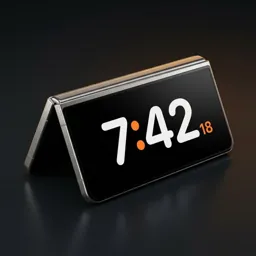
Glowing orange digits inside glass tubes, rendered in 3D with the glow and reflections of real tubes. It looks best in a dark room, on a stand at eye level.
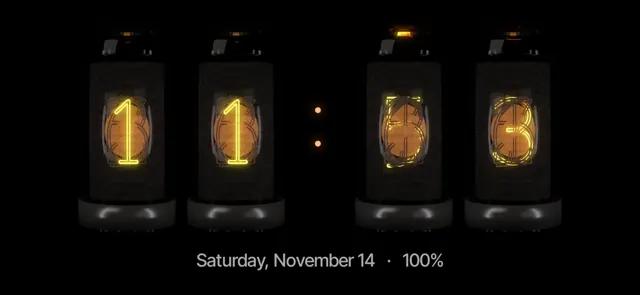
Nixie clock face in Duo Standby
Nixie

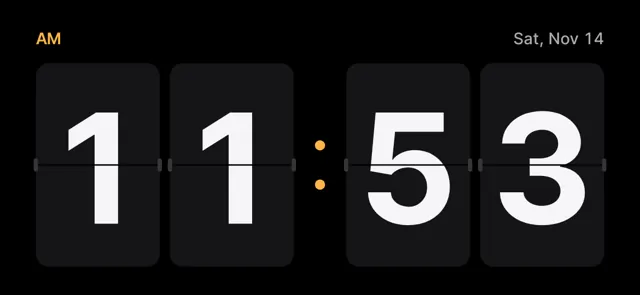
Flip clock

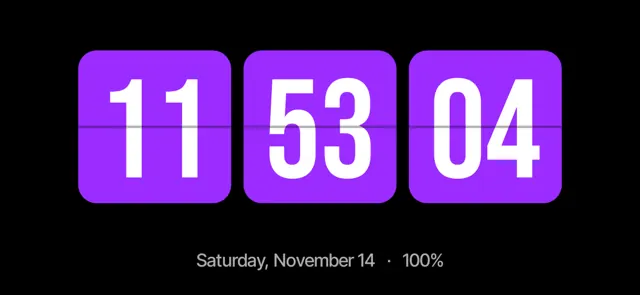
The split-flap clock turns its cards every minute. Pair it with a month calendar in landscape for a desk dashboard.
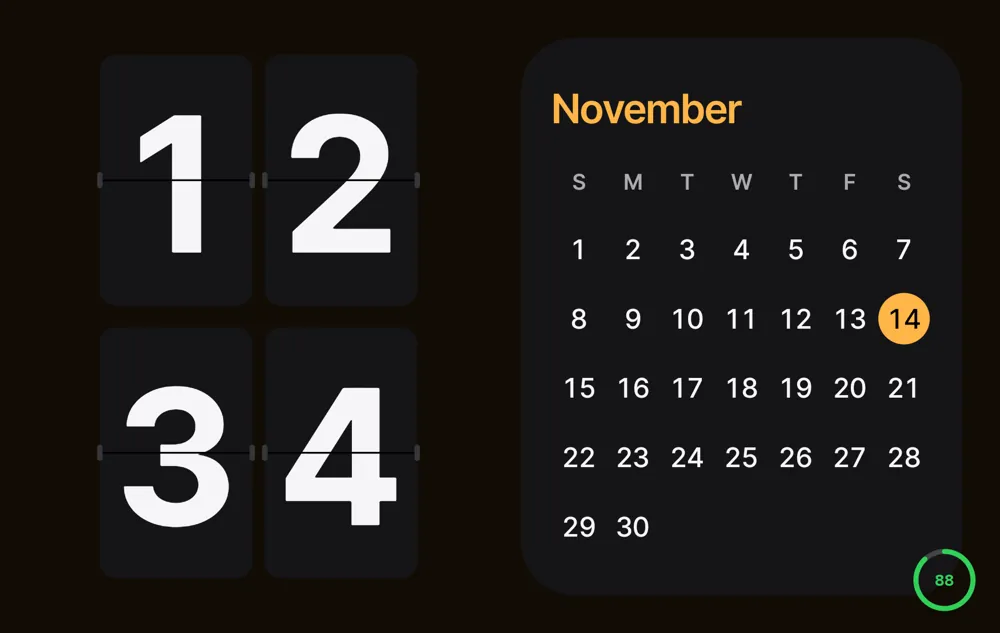
Flip clock with calendar
Flip clock and calendar on a regular Android phone.

Set your Android down. The clock turns on by itself.

Try Duo Standby free for 3 days

More faces

Nixie clock face in Duo Standby
Nixie
Flip clock face in Duo Standby
Flip
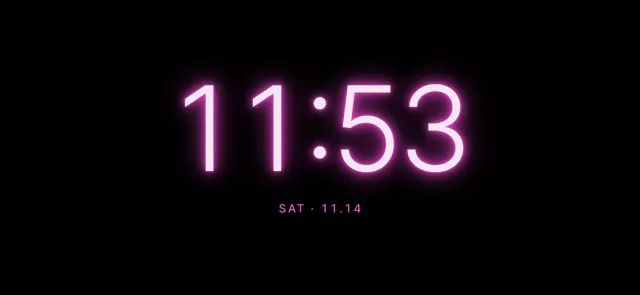
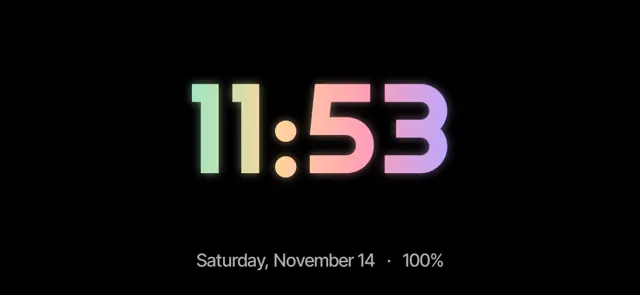
Neon clock face in Duo Standby
Neon
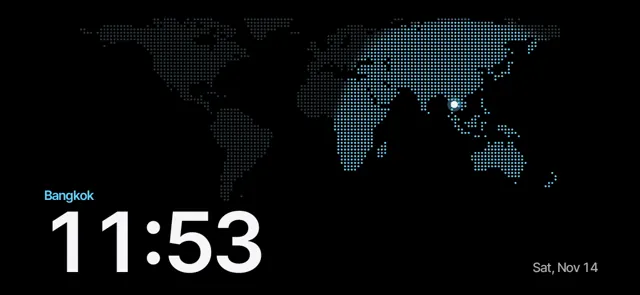
World map clock face in Duo Standby
World map
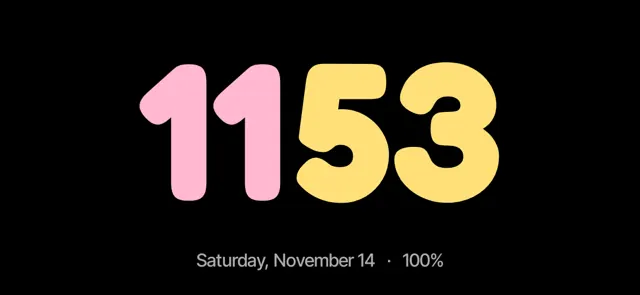
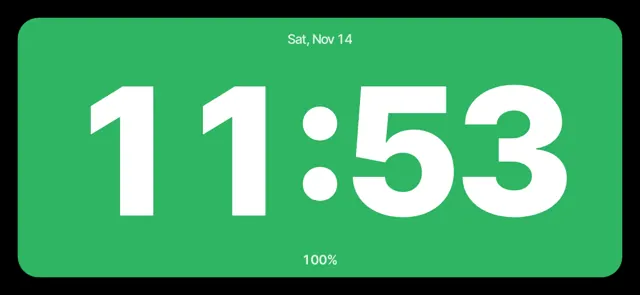
Pop clock face in Duo Standby
Pop
Tiles clock face in Duo Standby
Tiles
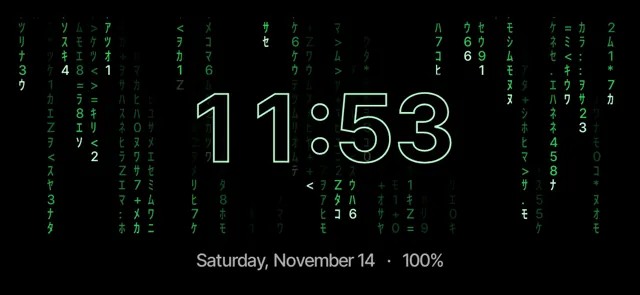
Matrix clock face in Duo Standby
Matrix
Glance clock face in Duo Standby
Glance
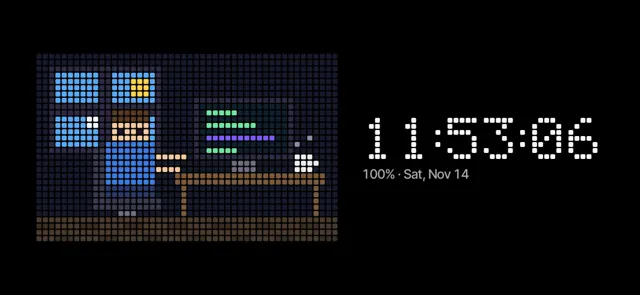
Pixel clock face in Duo Standby
Pixel
Prism clock face in Duo Standby
Prism
Charge clock face in Duo Standby
Charge
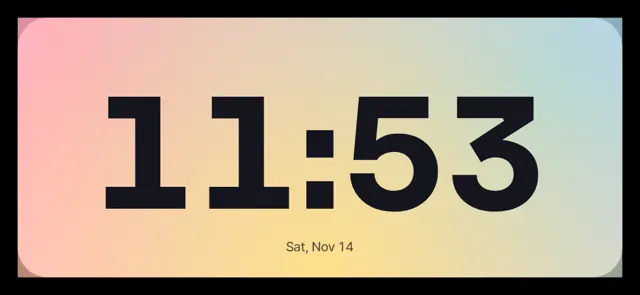
Aura clock face in Duo Standby
Aura

Get them

  1. Install Duo Standby from Google Play.
  2. Hold the clock to restyle it and swipe between faces.
  3. Set the phone down — your chosen face shows up by itself.

Set your Android down. The clock turns on by itself.

Try Duo Standby free for 3 days

FAQ

How many clock faces are there?

66, including nixie, flip, neon, world map, matrix and pixel styles, with colors and fonts you can change.

Is it a widget or a full-screen clock?

A full-screen StandBy-style clock that appears when you set the phone down, with optional blocks for calendar, music, widgets and photos.

Set your Android down. The clock turns on by itself.

Try Duo Standby free for 3 days

More guides

How to get StandBy mode on AndroidTurn any Android phone into a StandBy-style clock when you set it down.StandBy mode on Galaxy Z Fold: tent, book and laptopUse your Fold's postures as a desk clock, mood light and calendar.iPhone Duo's StandBy, on AndroidThe folding iPhone's half-fold clock — how to get the same on Android.Turn an old Android phone into a desk clockGive a spare phone a second life on your desk or nightstand.StandBy mode on Samsung Galaxy phonesGalaxy S, A and Z Fold don't have StandBy built in. Here's how to get it.Android nightstand clock: a bedside setup that worksTurn your phone into a bedside clock that's readable at night and doesn't light up the room.Samsung Always On Display in landscape: where it wentThe landscape AOD option is missing on newer Galaxy phones. Here are the options that still work.
Now on Google Play · 3-day free trialGet Duo Standby