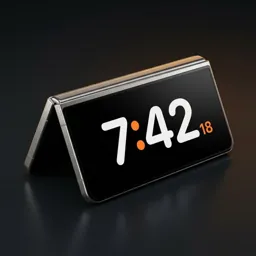
Turn an old Android phone into a desk clock
A spare phone in a drawer makes a better clock than most clocks you can buy: it has a bright screen, your calendar and a speaker.
Why an old phone works so well
- It already has a screen, battery backup and a charger.
- It can show your calendar, what's playing and notifications at a glance.
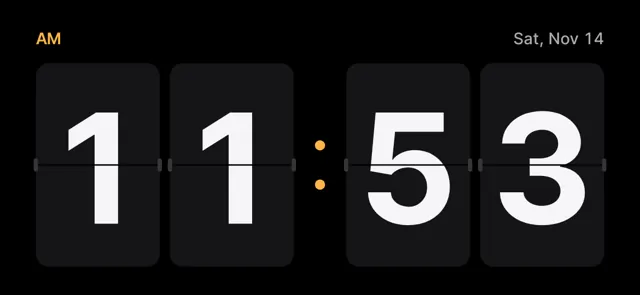
- A nixie or flip clock on screen costs nothing, compared with a real one.
Steps
- Charge the old phone and update it.
- Install Duo Standby from Google Play.
- Turn on 'start while charging' and the posture you'll use.
- Put it on a stand next to a charger and set it down.
Set your Android down. The clock turns on by itself.
Try Duo Standby free for 3 daysMake it look good
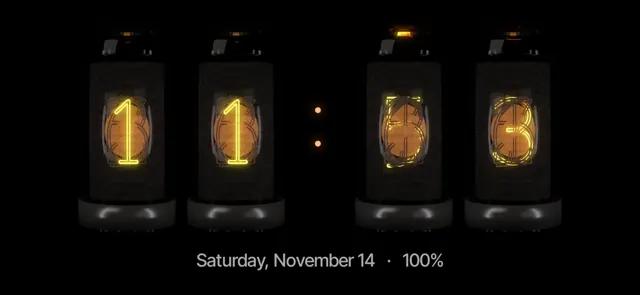
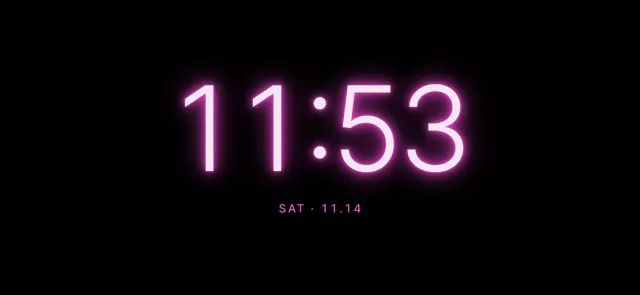
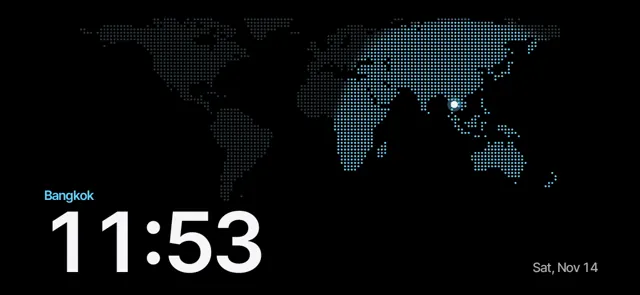
Most of the effect comes from the face and the light around it. In a dark room, a warm nixie face or a red night mode looks like a real object on the desk.
Practical tips
- Keep it on the charger and turn on 'only while charging'.
- Use night mode at the lowest brightness in a bedroom.
- Turn on pixel shifting to protect an OLED screen.
Set your Android down. The clock turns on by itself.
Try Duo Standby free for 3 daysFAQ
Will it burn in the screen?
Duo Standby shifts pixels gently and supports dim night colors, which reduces burn-in risk on OLED screens.
Does it need internet?
The clock, calendar and music blocks work from what's on the phone.
Set your Android down. The clock turns on by itself.
Try Duo Standby free for 3 daysMore guides
How to get StandBy mode on AndroidTurn any Android phone into a StandBy-style clock when you set it down.StandBy mode on Galaxy Z Fold: tent, book and laptopUse your Fold's postures as a desk clock, mood light and calendar.iPhone Duo's StandBy, on AndroidThe folding iPhone's half-fold clock — how to get the same on Android.Nixie and flip clock app for AndroidGlowing tube and split-flap clocks on your phone, no extra hardware.StandBy mode on Samsung Galaxy phonesGalaxy S, A and Z Fold don't have StandBy built in. Here's how to get it.Android nightstand clock: a bedside setup that worksTurn your phone into a bedside clock that's readable at night and doesn't light up the room.Samsung Always On Display in landscape: where it wentThe landscape AOD option is missing on newer Galaxy phones. Here are the options that still work.