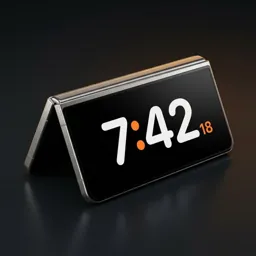
iPhone Duo's StandBy, on Android
The folding iPhone made the half-folded desk clock popular. Android foldables have been able to stand like that for years — they just needed the software.
What the iPhone Duo does
On the iPhone Duo, half-folding the phone and setting it down brings up a StandBy clock, and the folded shape keeps it standing without a stand. It's the same idea as StandBy on a regular iPhone, made for a foldable.
The same on Android
Duo Standby brings that behaviour to Android: fold your Galaxy Z Fold into a tent or a book, set it down, and the clock for that posture appears by itself. On regular Android phones it works in landscape and portrait.
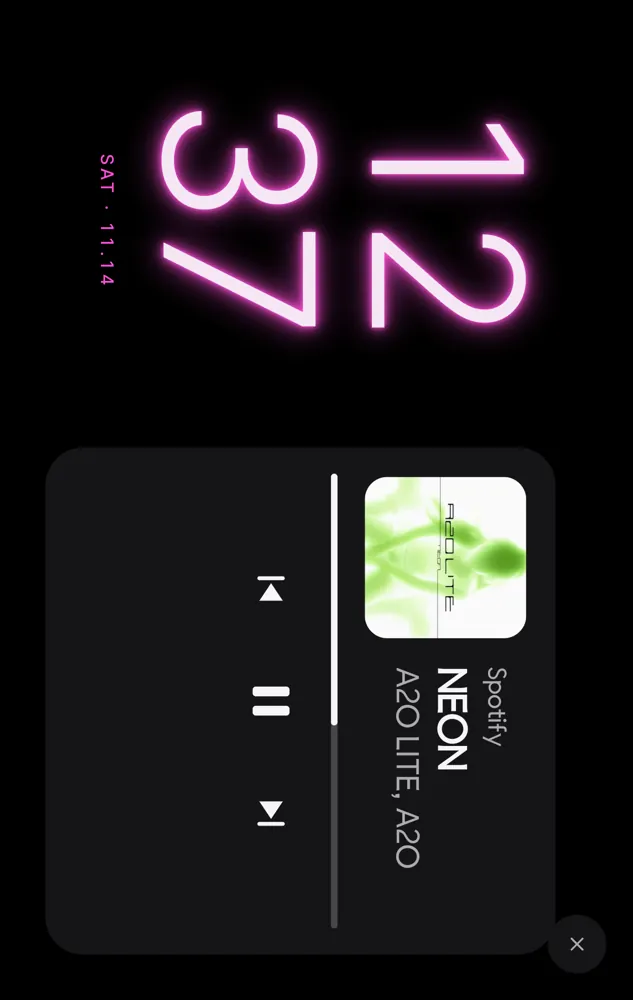
Set your Android down. The clock turns on by itself.
Try Duo Standby free for 3 daysSteps
- Install Duo Standby from Google Play.
- Turn on the tent and book postures.
- Pick a clock face and a layout.
- Half-fold the phone and set it down.
What you get that's different
- Tent mode uses the inner screen as a mood light.
- Book mode fits two pages: clock and calendar, events or music.
- Tabletop (L) mode with the clock up top and controls on the flat half.
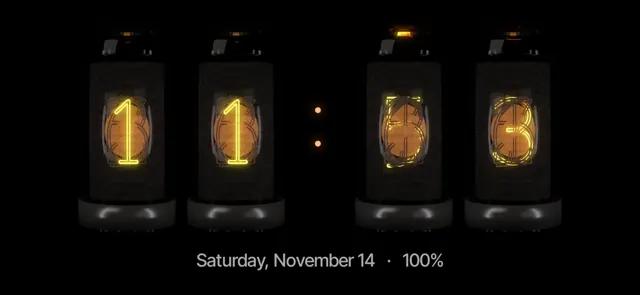
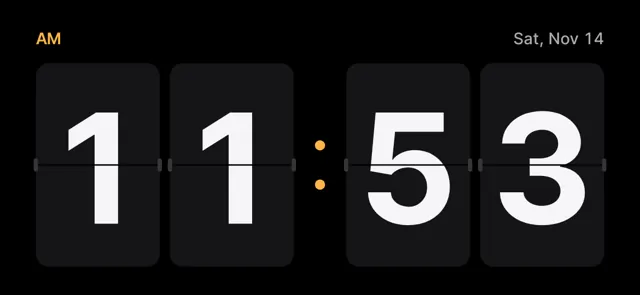
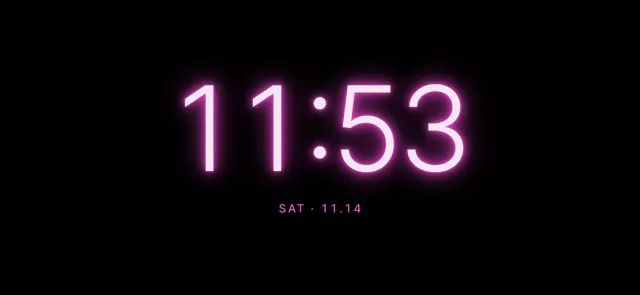
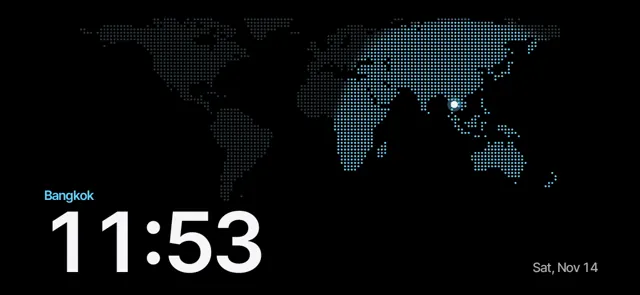
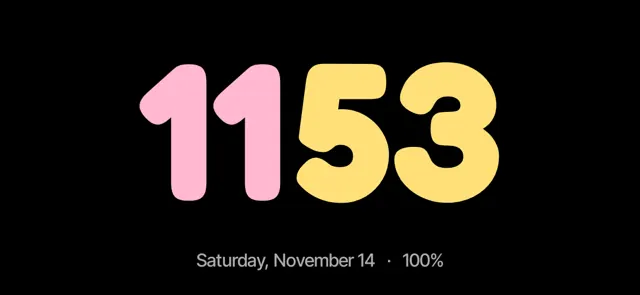
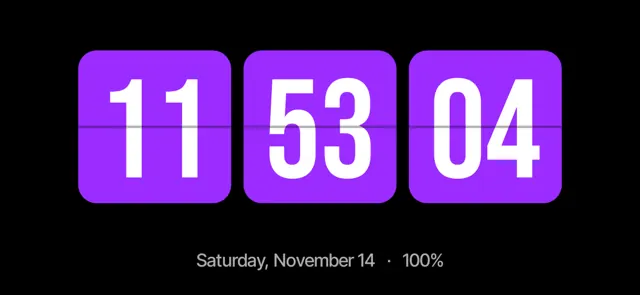
- 66 clock faces, including nixie and flip.
Set your Android down. The clock turns on by itself.
Try Duo Standby free for 3 daysFaces to try
FAQ
Is this an official Apple feature on Android?
No. Duo Standby is an independent Android app that works the same way: a clock that appears by itself when you set the phone down.
Do I need a foldable?
No. Any Android phone works in landscape and portrait. Foldables get tent, book and tabletop.
Set your Android down. The clock turns on by itself.
Try Duo Standby free for 3 days