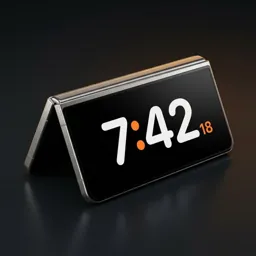
StandBy mode on Galaxy Z Fold: tent, book and laptop
A Fold can stand on its own in shapes a regular phone can't. Each one makes a different kind of desk clock — and with the right app it appears by itself when you set the phone down.
Does the Galaxy Z Fold have StandBy built in?
Not as a clock. Samsung gives you two related things, and neither starts a desk clock when you half-fold the phone:
- Flex Mode splits some apps across the two halves when the Fold is half-open. You can also hold the Auto-rotate quick setting and turn on rotation when partially folded, so tent and stand work as viewing modes. You still have to open an app yourself.
- Always On Display can show the time in landscape while the screen is off, but it's small, dim and the same in every position.
Duo Standby fills that gap: it watches the hinge and the other sensors, and when the Fold has been set down in tent, book or tabletop shape, it shows the full-screen clock made for that shape over the lock screen.
Tent (∧): clock outside, lamp inside
Fold it about halfway and stand it like a tent. The clock shows on the cover screen facing you, while the inner screen faces the table and softly lights it like a lamp. It's the setup people photograph most.
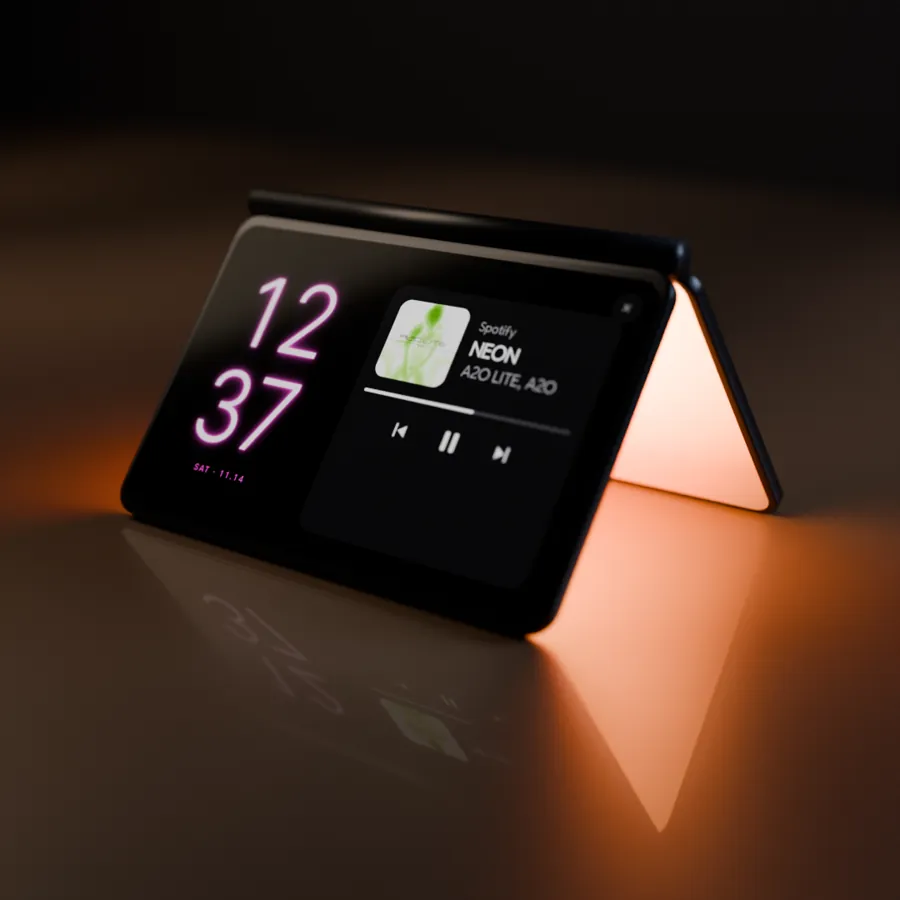
Set your Android down. The clock turns on by itself.
Try Duo Standby free for 3 daysBook: two pages of information
Half-open it like a book and both halves become a dashboard: a big clock on one side, your calendar, today's events or the music player on the other.
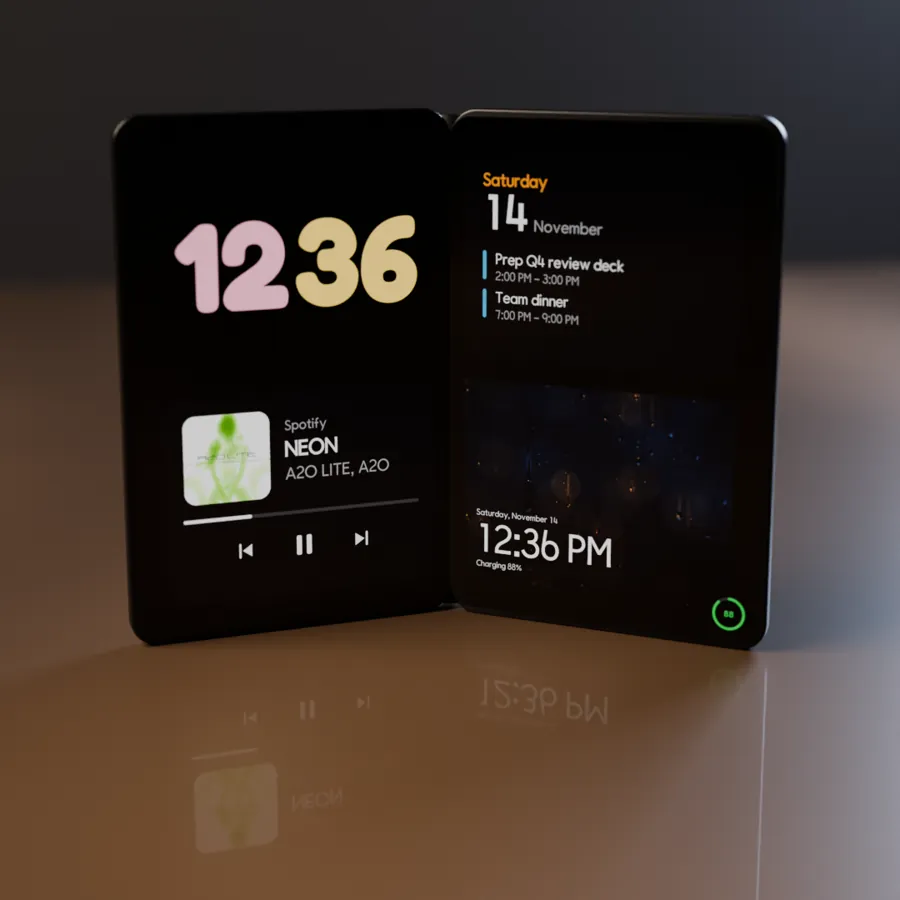
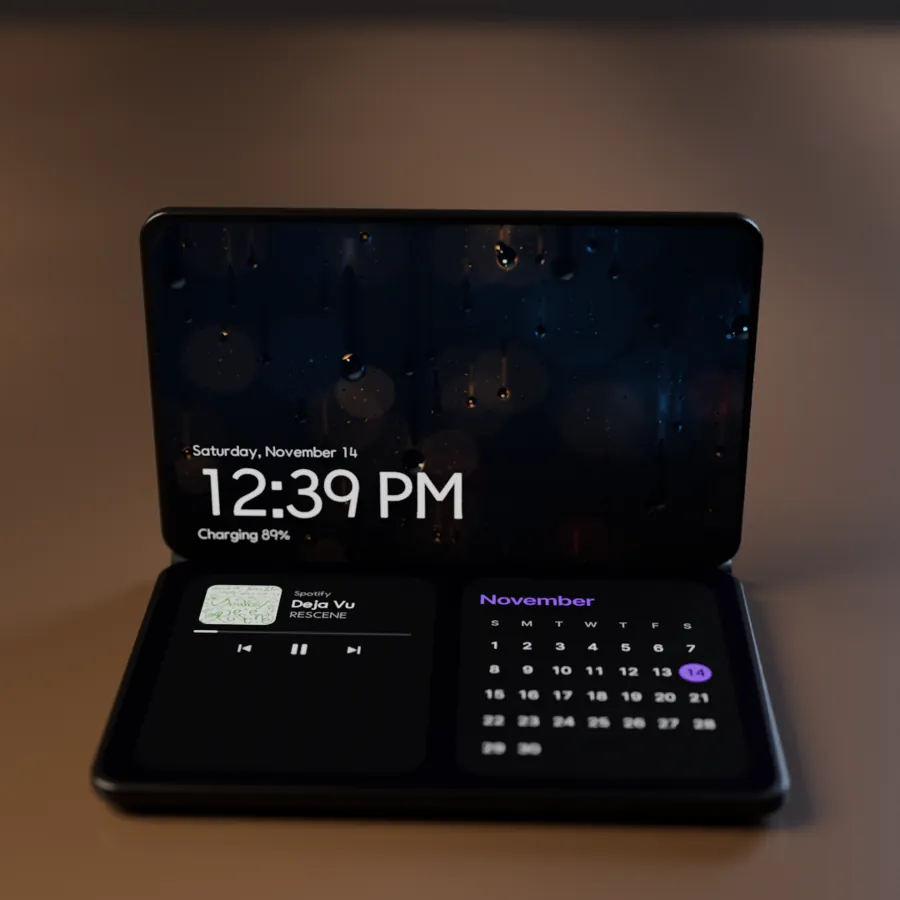
Tabletop (L): like a small laptop
Open it to about 90° and lay one half flat. The standing half shows the clock; the flat half holds music controls and blocks you can reach.
Set your Android down. The clock turns on by itself.
Try Duo Standby free for 3 daysSet it up
- Install Duo Standby from Google Play and open it once.
- In the posture settings, switch on tent, book and tabletop (L).
- Pick a layout for each posture: for example clock on the cover in tent, calendar and clock in book.
- Fold the phone into the posture and set it down. The screen made for that posture appears within about two seconds.
Which posture for what
- Bedside: tent with sleep-mode mood light that fades out on a timer.
- Work desk: book with calendar and today's events.
- Kitchen or music: tabletop with the player on the flat half.
FAQ
Which Galaxy Z Fold models work?
It's made for Galaxy Z Fold phones, the newest ones included: tent, book and tabletop each get their own screen. If a posture isn't picked up on your phone, the posture calibration in the app learns your hinge angles. Any other Android phone gets landscape and portrait.
Does Samsung's Flex Mode do this?
Flex Mode rearranges apps when the Fold is half-open, but it doesn't start a clock on its own when you set the phone down. Duo Standby does, and gives each posture its own screen.
Is it like the iPhone Duo's half-fold StandBy?
Yes, the same idea: half-fold the phone, set it down and a clock appears. On the Fold the tent's inner screen also lights the table like a lamp.
Can I stop a ringing alarm from the cover screen?
Yes, alarms and timers can be stopped or snoozed right from the clock, including on the cover screen.
Set your Android down. The clock turns on by itself.
Try Duo Standby free for 3 days