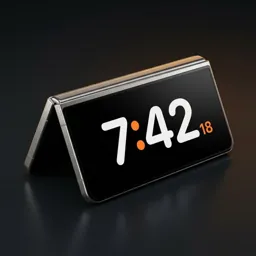
StandBy mode on Samsung Galaxy phones
If you came from an iPhone, or saw a friend's phone turn into a clock on the charger, you've probably looked for StandBy in your Galaxy's settings. It isn't there. Here's what Samsung gives you, what it doesn't, and how to get the real thing.
Does Samsung have StandBy mode?
Not as such. One UI has an Always On Display and a customisable lock-screen clock, and Good Lock adds more clock styles. Those show a small clock on a dark screen. What they don't do is the StandBy part: notice that the phone has been set down on its side and switch to a big, full-screen clock with your calendar, music or photos, then step aside when you pick it up.
- Always On Display: small clock and notifications, always on, the same in every position.
- StandBy-style clock: starts only when the phone is set down, fills the screen, shows blocks like a calendar or music, and disappears when you pick the phone up.
Get StandBy on any Galaxy with Duo Standby
Duo Standby adds the missing piece. It reads motion, orientation, proximity, light and charging together, so it knows when the phone has been put down and left alone. Within about two seconds the clock appears over the lock screen, and it goes away the moment you lift the phone.
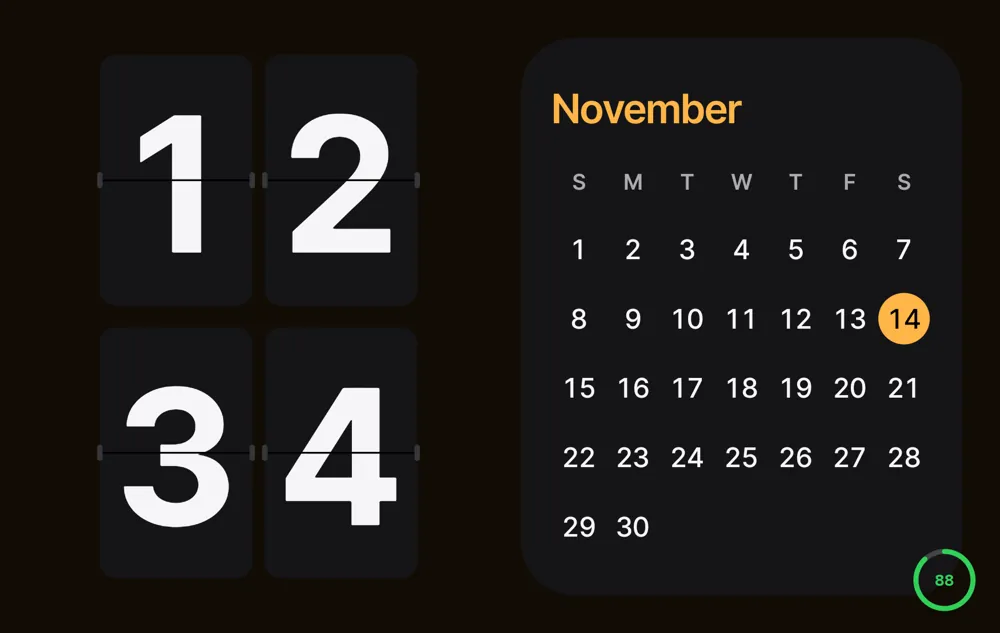
- Galaxy S and A series: landscape and portrait, on a charger or just propped up on a stand.
- Galaxy Z Fold: every posture gets its own screen — tent, book and laptop (L) as well as landscape and portrait.
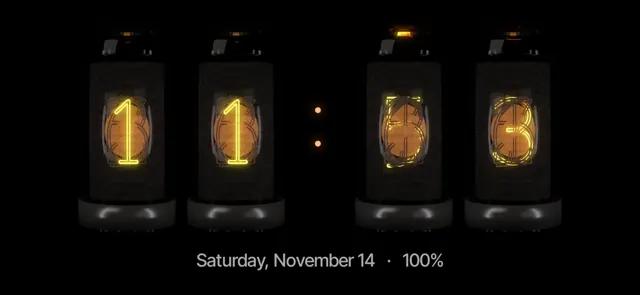
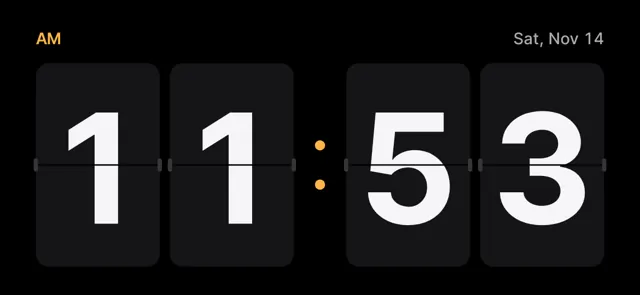
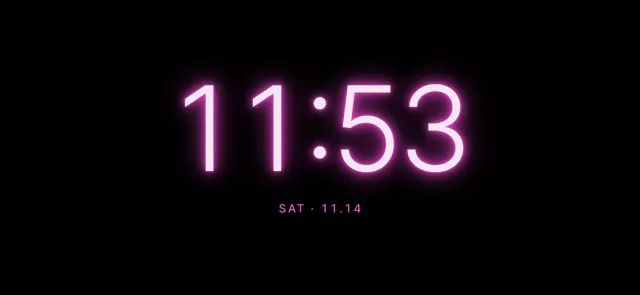
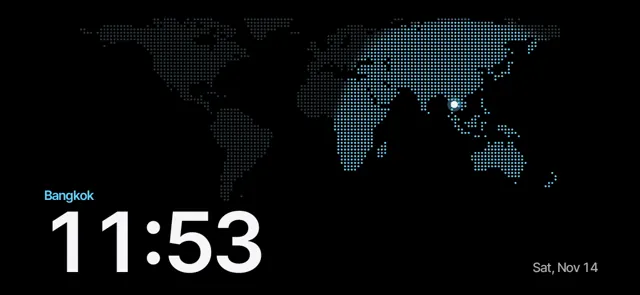
- 66 clock faces: nixie tubes, flip, neon, world map and more. Hold the clock to change it.
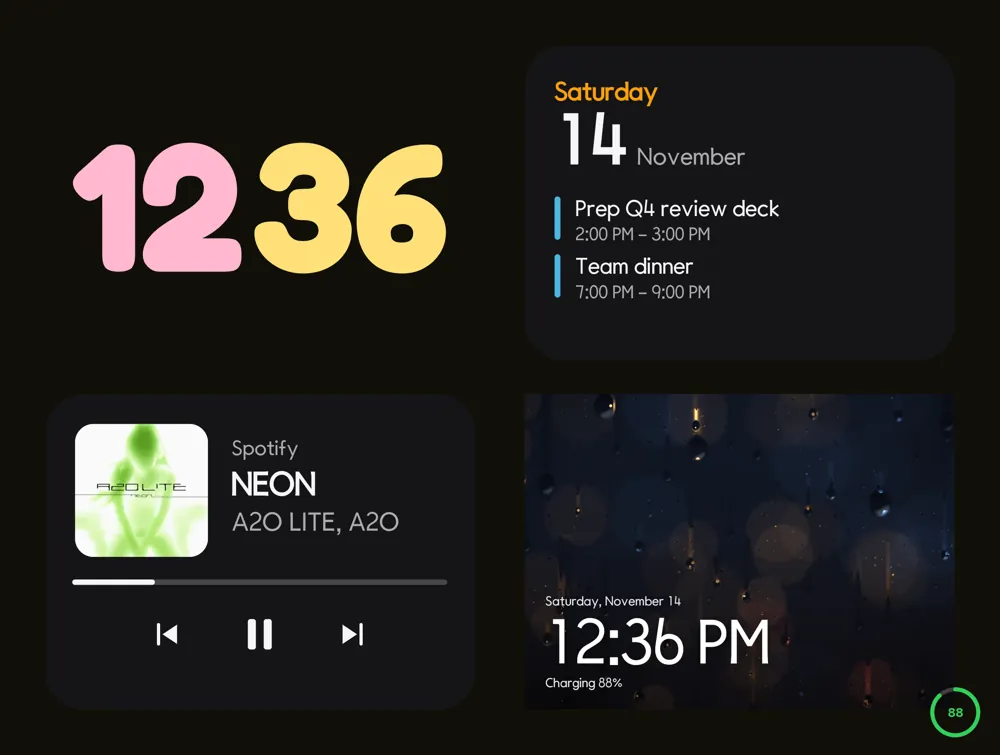
- Layouts: clock only, half and half, or four blocks with a calendar, today's events, music, a photo frame or your home-screen widgets.
Set your Android down. The clock turns on by itself.
Try Duo Standby free for 3 daysSet it up in five steps
- Install Duo Standby from Google Play.
- Open the app once and allow the permissions it asks for (display over other apps and notification access are optional extras).
- Choose which postures should start the clock: landscape, portrait, and on a Fold also tent, book and tabletop.
- Decide whether it should start only while charging or any time the phone is propped up.
- Put the phone down on a stand or charger. The clock appears within about two seconds, and steps aside when you pick the phone up.
Galaxy S and A: the desk and the nightstand
On a regular Galaxy the two places that matter are the desk and the bedside table.
- Desk: landscape on a stand, half and half — a big clock on one side, the month calendar or today's events on the other.
- Bedside: clock only, with red night mode at low brightness once the room goes dark. Alarms and timers can be stopped straight from the clock.
- Charging or not: choose whether the clock starts only on the charger or any time the phone is propped up.
Set your Android down. The clock turns on by itself.
Try Duo Standby free for 3 daysGalaxy Z Fold: postures Apple doesn't have
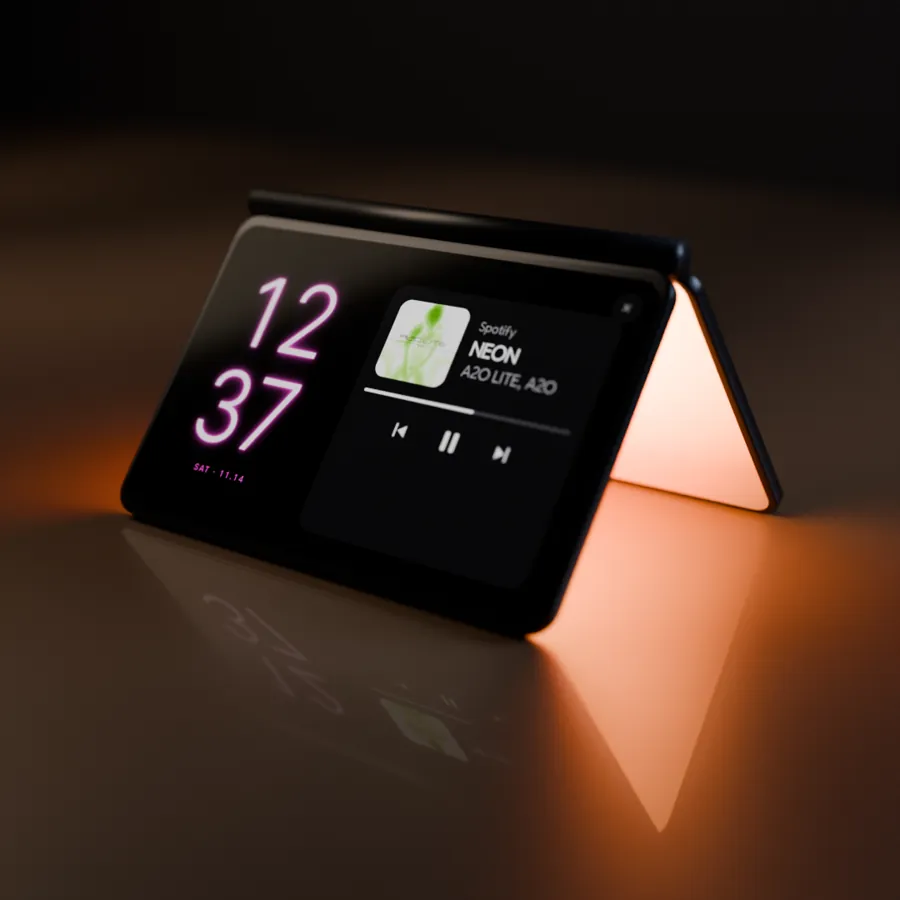
A Fold can stand on its own, so it doesn't even need a stand. Each way you set it down becomes a different screen.
- Tent (∧): the clock on the cover screen, while the inner screen faces the table and lights it softly like a lamp.
- Book: half-open like a book — the two halves each get their own blocks, for example a clock on the left and the calendar on the right.
- Laptop (L): the clock on the upright half, music and controls on the flat half.
Tips for Samsung phones
- If the clock doesn't start, check that battery optimisation isn't putting the app to sleep (Settings › Apps › Duo Standby › Battery: Unrestricted).
- Keep Always On Display if you like it — the StandBy clock simply takes over when the phone is set down.
- Gentle pixel shifting protects the OLED screen from burn-in during long nights.
- For the weather, add Samsung's weather widget from your home screen as one of the blocks.
FAQ
Does Samsung have a StandBy mode like iPhone?
Not built in. Galaxy phones have Always On Display and lock-screen clocks, but no full-screen clock that starts when you set the phone down. An app like Duo Standby adds it.
Which Galaxy phones does it work on?
Any Android Galaxy phone: S, A and Z series. Regular phones use landscape and portrait; a Galaxy Z Fold adds tent, book and laptop postures.
Do I need to plug it in?
No. You can set it to start only while charging, or whenever the phone is propped up.
Will it replace Always On Display?
No, they work side by side. The StandBy clock appears when the phone is set down and goes away when you pick it up.
Can it show my calendar and music?
Yes. Put a month calendar, today's events, the music player, a photo frame or your home-screen widgets in the layout's blocks.
Set your Android down. The clock turns on by itself.
Try Duo Standby free for 3 days